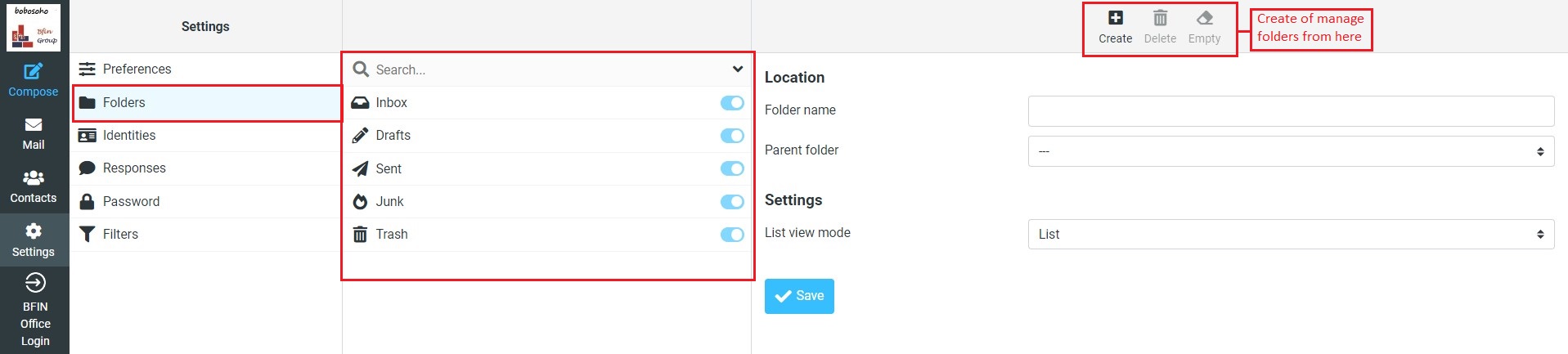
Manage & Create Folders
This section of the settings task allows you to manage the tree of mailbox folders.
- Create Folder
-
Click the Create new Folder icon (+) in the list header
-
Enter a name for the new folder in the properties form on the right
-
Select a parent folder or — to create the folder on top level
-
Click the Save button below the form to finally create it
The Parent folder field is always pre-selected whith the folder currently selected in the folder list on the left.